The macOS User Guide category is designed to help you master the macOS environment, offering a comprehensive guide to its features, settings, and built-in applications. Whether you’re new to macOS or a seasoned user, this section provides valuable insights to enhance your computing experience.
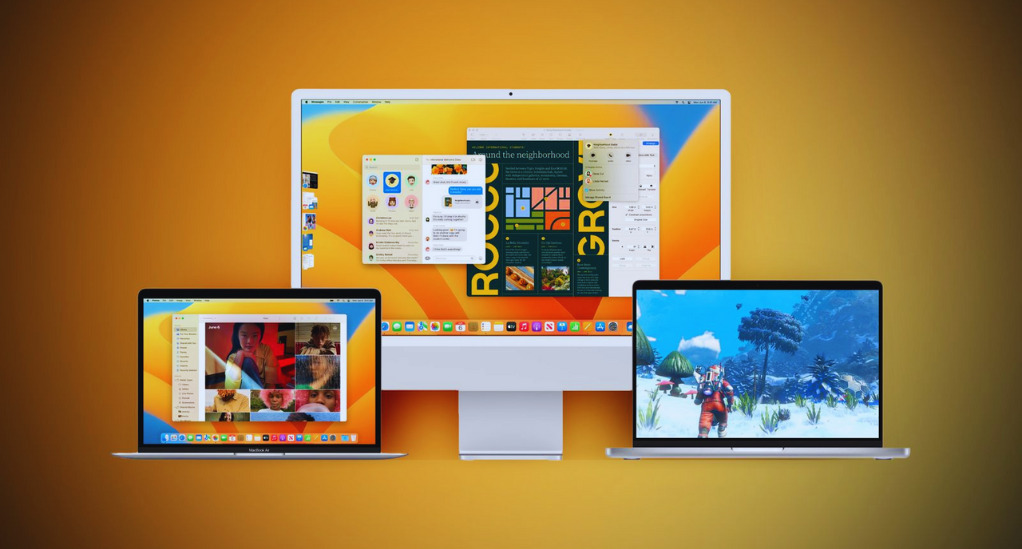
Learn how to navigate the macOS interface, from the Dock and Menu Bar to Mission Control and Spotlight Search. Articles also cover essential settings that can be customized to suit your workflow, as well as tips for optimizing system performance.
Discover the power of built-in macOS apps like Safari, Mail, and Calendar, and how they can be integrated into your daily routine. This category also explores advanced features like Automator and Terminal, providing step-by-step guides to automate tasks and execute commands.
By following the guides in this category, you’ll become proficient in macOS, enabling you to work more efficiently and make the most of your Apple device.