The PC Building category is your ultimate guide to creating a custom computer rig tailored to your specific needs, whether for gaming, professional work, or general use. This section offers step-by-step guides on choosing the right components, assembling them, and optimizing your settings for maximum performance and reliability.
Learn how to select the right motherboard, CPU, GPU, RAM, and storage solutions based on your computing needs. Articles also cover essential peripherals like monitors, keyboards, and mice, as well as cooling solutions to keep your system running smoothly.
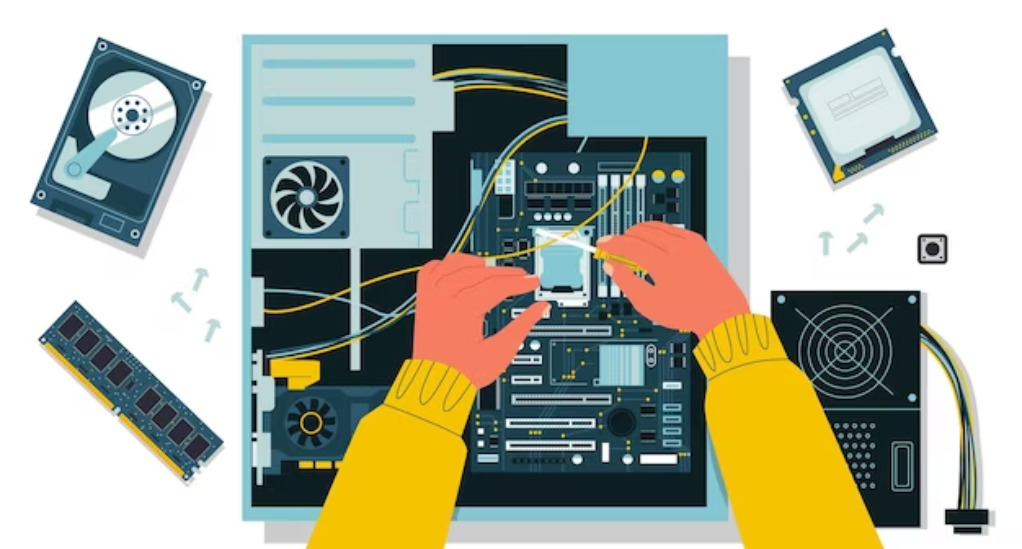
Discover the assembly process, from installing the motherboard and connecting components to setting up the operating system and drivers. This category also provides tips on cable management, system testing, and troubleshooting common issues that may arise during the building process.
By following the guides in this category, you’ll gain the skills and confidence to build a custom PC that meets your specific needs, offering you a sense of accomplishment and the benefits of a tailored computing experience.