The Laptop Maintenance category is designed to help you keep your portable computing device running at its best. From cleaning and optimizing settings to extending its lifespan, this section provides essential tips and best practices for laptop maintenance.
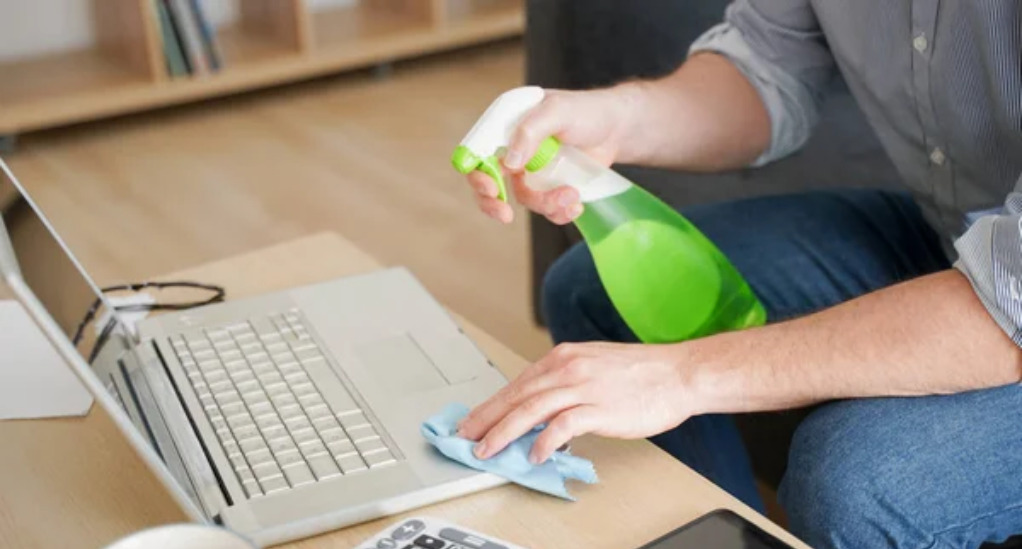
Learn how to clean your laptop, both externally and internally, to prevent overheating and ensure optimal performance. Articles cover the safe removal of dust from vents and fans, as well as the cleaning of the screen, keyboard, and trackpad.
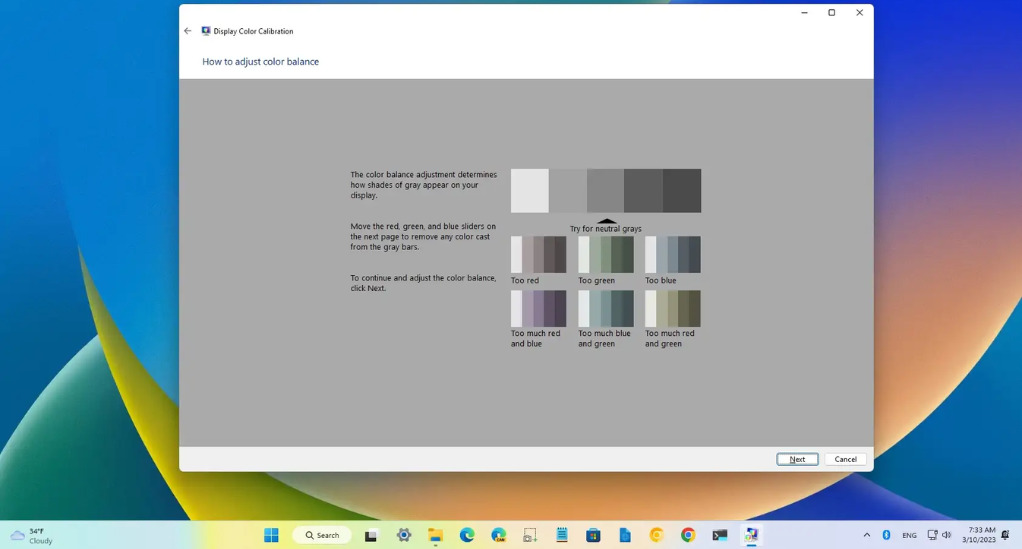
Discover how to optimize settings for better battery life, how to update drivers and software for improved functionality, and how to perform regular backups to safeguard your data. This category also provides guidance on troubleshooting common issues like system slowdowns, software glitches, and connectivity problems.
By following the maintenance tips in this category, you’ll be able to extend the lifespan of your laptop, improve its performance, and enjoy a more reliable computing experience, whether you’re at home, in the office, or on the go.