How to Use an AI Workout Generator to Build Your First Strength Plan
AI Workout Prompt Generator
Fill in your details, choose your level, and get ready-to-paste prompts for ChatGPT, Gemini or other AI tools. Use them to generate a multi-week strength plan, log your training, and update the plan each week.
How to Use This AI Workout Prompt Generator With ChatGPT or Gemini
You can use this tool with any big chat-style AI (ChatGPT, Gemini, Claude, etc.). The flow is always the same:
- Set up your profile on this page
- Pick your training level (beginner / on & off / 1+ year).
- Fill in:
- Age
- Days per week you can train
- Short training history
- Available equipment (gym vs home, dumbbells only, etc.)
- Main goal (get stronger, build muscle, general fitness, etc.)
- Any injuries or limits
- Click Generate prompts.
- Copy the “Initial multi-week plan” prompt into ChatGPT or Gemini
- Click Copy in the Initial multi-week plan prompt box.
- Open a new chat in ChatGPT or Gemini.
- Paste the prompt and send it.
- The AI should now:
- Build a multi-week strength plan (weeks, days, exercises, sets, reps).
- Assign simple exercise IDs like
W1-D1-Squat. - Give you a log template you can reuse every week.
- Save that chat. You’ll keep coming back to the same thread.
- Use the log template to track what you actually did
- After each workout, fill in the template the AI gave you.
- Keep it in Notes, Google Docs, Notion, or a simple spreadsheet.
- Make sure you record:
- Week and day
- Exercise ID + name
- Planned sets × reps × load
- Performed sets × reps × load
- Difficulty (easy / challenging / very hard, or RPE)
- Any pain or issues
- End of week: use the “Weekly check-in” prompt
- Copy the Weekly check-in & adjustment prompt from this page.
- Go back to the same chat where you created the plan.
- Paste the prompt and replace
[[PASTE YOUR WEEKLY LOG HERE]]with your log. - Send it and let the AI:
- Summarize how the week went
- Tell you which lifts to keep the same, which to increase slightly, and which to ease off
- Output an updated next-week plan only, in table form
- This is your new Week X plan. Save or pin it in that chat.
- On training days: use the “Next workout (daily)” prompt
- Before you train, copy the Next workout (daily) prompt from this page.
- Paste it into the same chat.
- Fill in:
- Which week you’re on
- Which day/session you’re doing (e.g., Week 3, Day 2 or Upper A)
- How you feel today (energy, soreness, any pain)
- The AI will:
- Restate today’s workout only as a simple checklist
- Add 2–3 form/safety reminders for the main lifts
- After training, you can paste a short log right under that and ask: “Please summarize how this session went and what I should remember next time I do this day.”
- Repeat the loop each week
- Daily: use the Next workout prompt for clarity and reminders.
- Weekly: use the Weekly check-in prompt with your log to adjust the plan.
- The Initial plan prompt is only needed once per block (unless you want to start a fresh plan).
- Important safety note
- These plans are general information, not medical advice.
- If you have injuries, pain that doesn’t go away, or any health issues, talk to a qualified professional and modify the plan as needed.
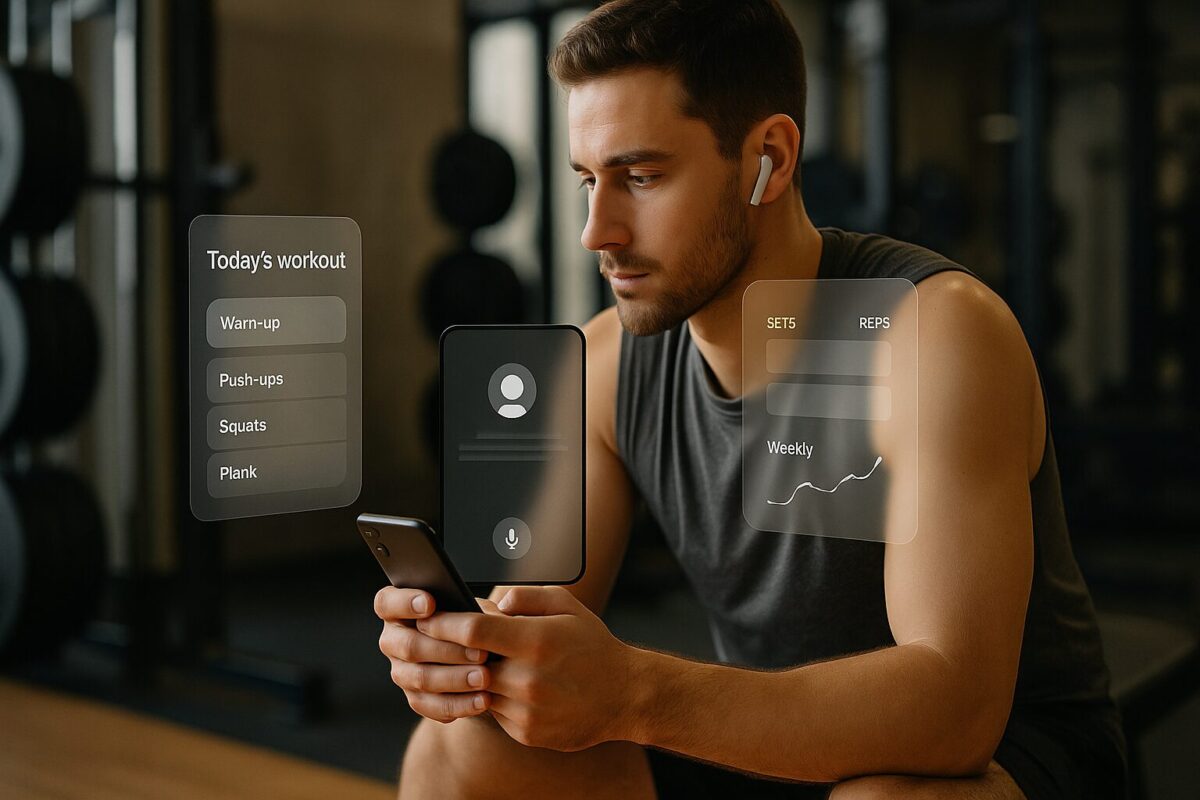
Dedicated AI Fitness Apps: Why They’re More Convenient Than Chat-Only Workouts
Using ChatGPT or Gemini as a workout generator is super flexible, but it still expects you to do a lot manually:
- You have to paste prompts
- You have to paste logs
- You have to keep your own history
A dedicated AI fitness app (Fitbod-style, or other strength/AI apps) flips this. It’s built specifically for training, so it does the boring stuff for you:
- Automatic workout history
Every set, rep and weight you log is stored automatically. You can scroll back through months of training, see when you last did an exercise, and how it felt. - Instant progression suggestions
The app uses your history to nudge weights up or down, change reps and swap exercises when something is clearly too easy or too hard. - Health app integration
Many AI fitness apps sync with:- Apple Health / Apple Watch
- Google Fit / Android wearables
- Sometimes smart scales and HR trackers
That means things like steps, heart rate, and sometimes sleep can be pulled in and used to understand how much you’re actually doing.
- All-in-one on your phone
No switching between:- Browser
- Notes app
- Spreadsheet
- Gym floor
You just open the app, hit “Start Workout”, and it walks you through exercises, timers and logging.
- Reminders and streaks
Apps can send push notifications, show streaks, and use small nudges to keep you training on your scheduled days. - Offline or low-signal friendly
In most apps, once the workout is loaded, you can keep logging even if the gym Wi-Fi dies. With pure chat AI you’re stuck if the page doesn’t load.
So the trade-off is:
- ChatGPT / Gemini: maximum flexibility and transparency, but more manual work.
- Dedicated AI app: less flexible, but much easier to use day-to-day, with better history and integrations.
Chat AI vs Dedicated AI Fitness App – Quick Comparison
You can use this table as-is or tweak names if you want to mention specific apps later.
| Feature / Aspect | Chat AI (ChatGPT, Gemini with your prompts) | Dedicated AI Fitness App (Fitbod-style) |
|---|---|---|
| Setup effort | You paste a prompt, answer questions, and let it build a plan. Very flexible, but you have to manage the conversation and context. | Usually a short onboarding flow: goal, experience, equipment, days per week. Plan appears in the app automatically. |
| Workout history | Only stored in the chat or wherever you log it (Notes/Sheets). You have to paste logs manually. | Every workout is saved automatically with sets, reps, weights, dates. Easy to scroll back and see long-term history. |
| Progress tracking | AI can analyze progress if you paste clean logs, but you must keep that log yourself. | App tracks volume, PRs, trends and sometimes charts everything for you (e.g., total weight lifted per week). |
| Next-workout planning | You use a “next workout” prompt to ask the AI what today’s session is, based on your plan and log. | App shows “Today’s workout” instantly, already adjusted from your last session. One tap to start. |
| Integration with health data | No direct link to Apple Health / Google Fit unless you build something custom. | Many apps sync with Apple Health, Google Fit and wearables to see steps, HR, and sometimes recovery. |
| Reminders & notifications | None by default. You’d need to set separate calendar reminders or use a task app. | Built-in reminders, streaks and training-day notifications to keep you consistent. |
| Ease of logging | You type your sets/reps/weights into a log, then paste it into the AI. More typing, but very transparent. | Tap to adjust weight/reps and tick sets off as you go. Almost no typing. |
| Plan customization | Extremely flexible – you can rewrite entire blocks, change philosophy, ask “why” and debug the plan. | Structure is defined by the app. You can usually tweak exercises, equipment and focus, but not rewrite the engine. |
| Explanations & education | Excellent for explanations: you can ask “why this rep range?” or “what’s RPE?” and get long answers. | Apps usually give short tips, form cues or links, but not full explanations like a chat model. |
| Device support | Runs wherever the chat AI runs (browser, mobile app). Not optimized for “during workout” flows unless you’re disciplined. | Designed for phone use in the gym/home: big buttons, timers, offline-friendly screens. |
| Cost | Often free basic tier; full power may require a paid plan (ChatGPT Plus, etc.). | Most AI fitness apps are subscription-based; price varies, sometimes with free trials. |
| Best for | People who like tinkering with plans, understanding programming, and don’t mind logging manually. | People who just want to open an app, follow a good plan, and have all their training history in one place. |
“If you enjoy control, the prompt generator on this page plus ChatGPT/Gemini gives you almost coach-level customization. If you just want to lift without thinking about spreadsheets and logs, a dedicated AI fitness app is usually the more convenient option.”